
MFA is great for increasing the security of your Connectworks account, but what should you do if you don't have access to your authentication code? There are many reasons you might not have access to your authentication code, from not having your phone with you to losing or damaging it, or even just accidentally deleting the authenticator app. That's why it's important to have a backup way of access so you don't waste time trying to log in to your account.
We have made this simple and easy by giving you the ability to generate recovery codes. To get these codes, go to your personal dashboard, click the 'Manage my account' button and choose 'Login and Security' from the sidebar. You'll see a button under the 'Two-factor authentication' section to generate recovery codes.
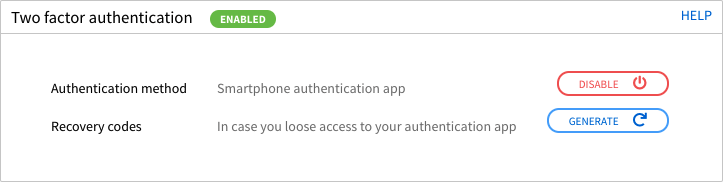
Clicking the 'Generate' button will display a list of recovery codes. It is important to store these codes securely at locations where you commonly access Connectworks. You won't be able to view these codes again, so make sure you make a note of them before you click 'Done'.
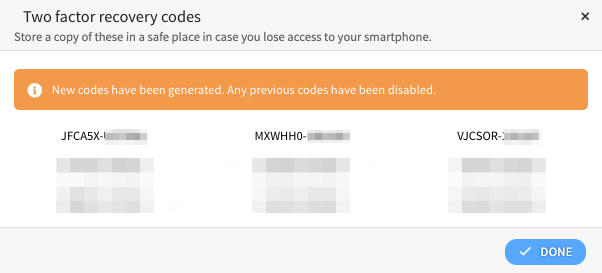
Note: When you click the generate button, it will revoke the previously generated codes, and you'll need to replace your stored recovery codes with the new ones.